
Know what's in every box.
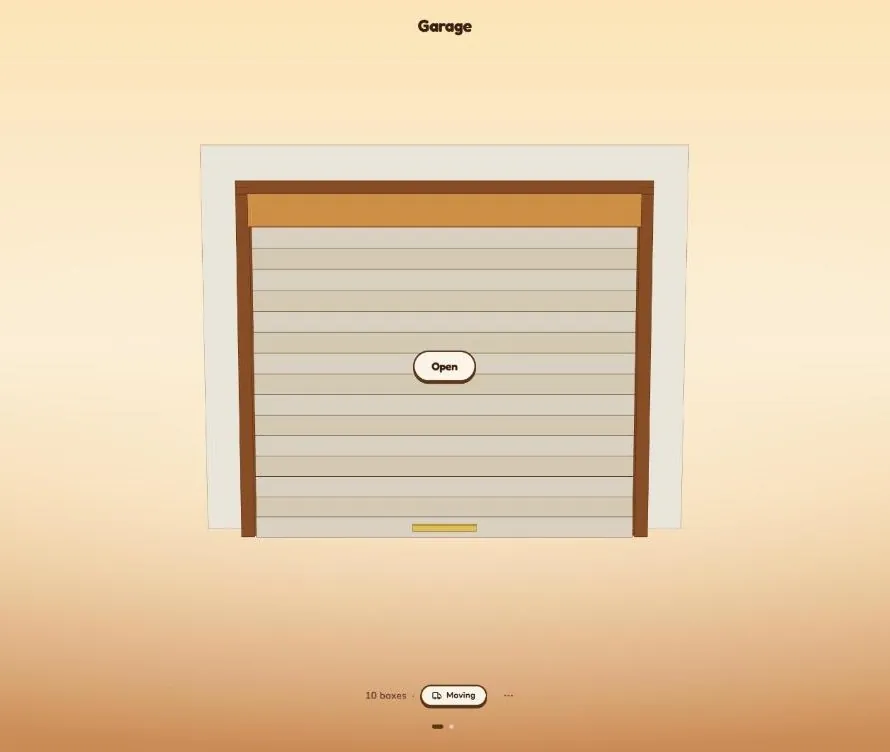
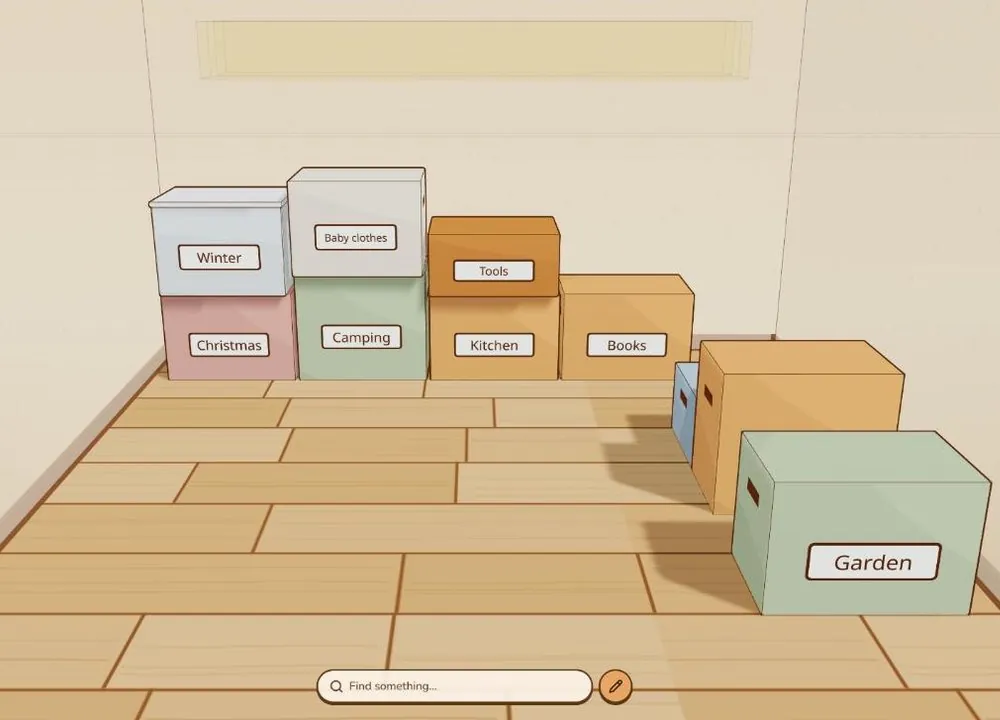
Semla draws your storage in 3D, box by box, so you can find anything from your phone.
No account. Your list stays on your own phone or computer.
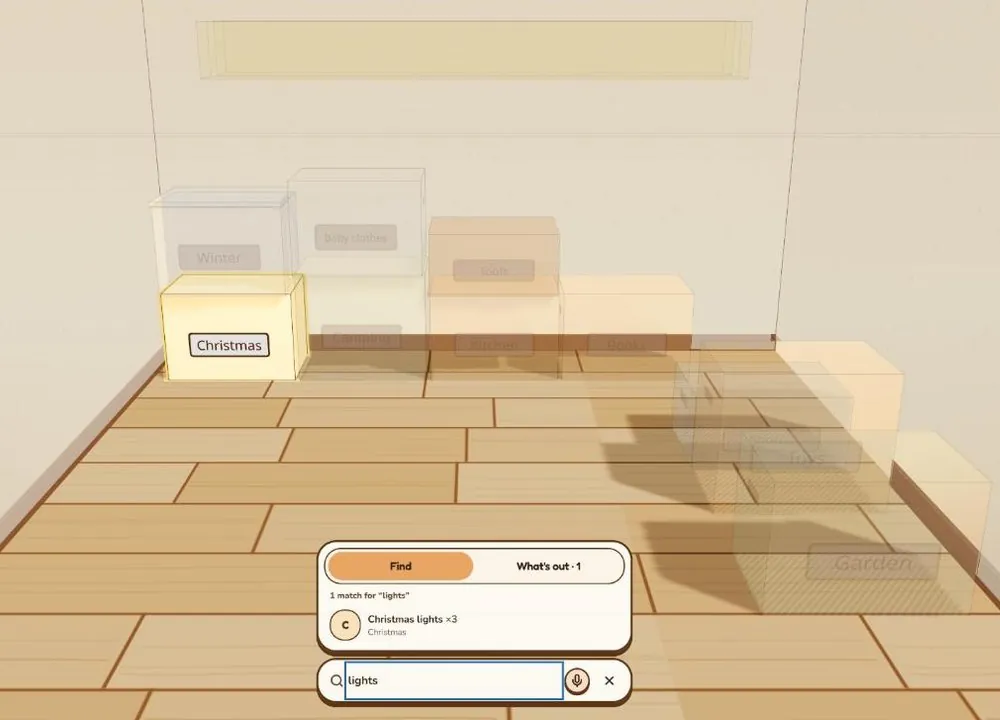
Find it in seconds
In the Christmas box, bottom row by the back wall. Three strings.
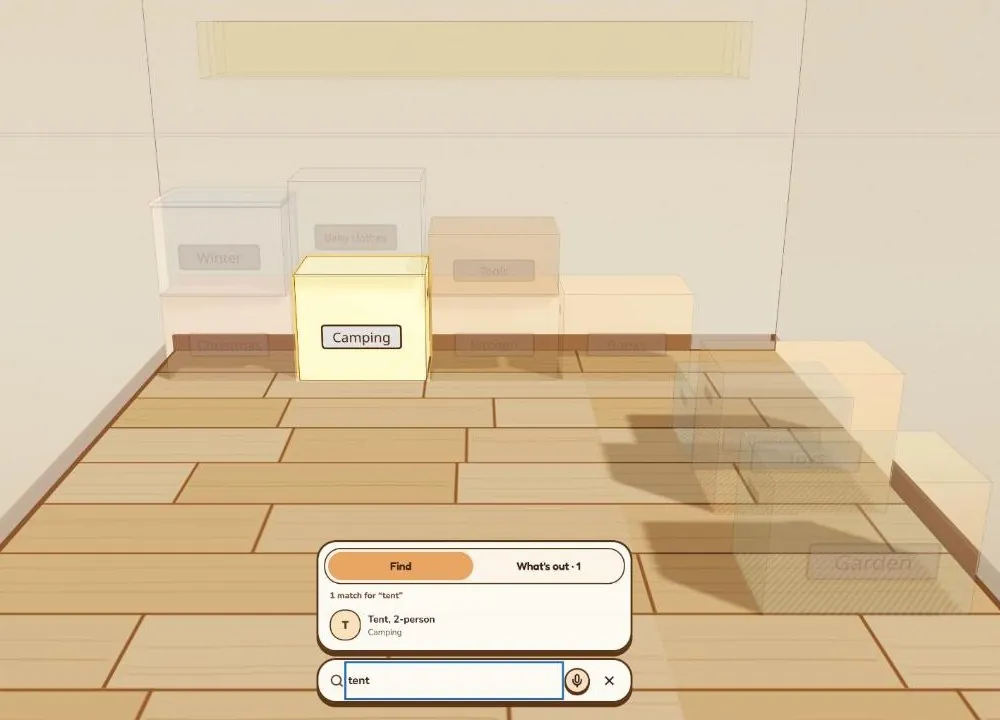
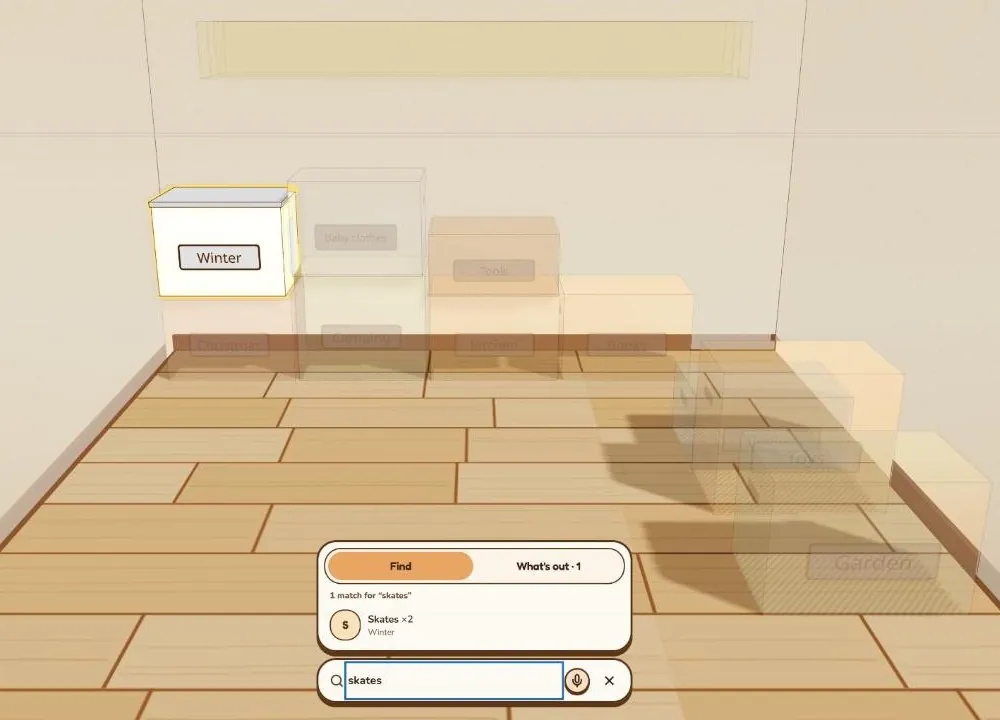
Search by name, note or tag. Everything else fades, so the box is easy to spot in its stack.
Set up in five minutes
The details that make it work
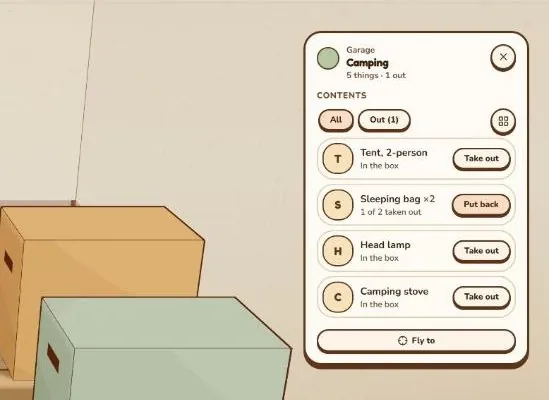
Take out, put back
Borrowed the sleeping bag? Semla remembers it's out, and which box it goes back to.
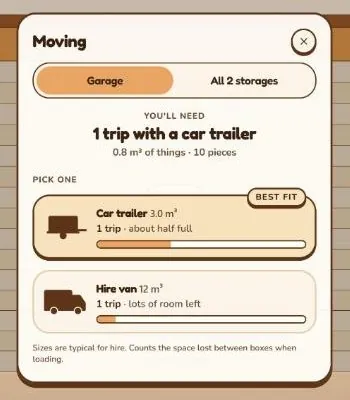
Moving? Count the trips
Semla adds up every box and tells you whether a car trailer will do, or if you need a van.
Christmas
Christmas lights ×3, tree stand, baubles ×24…
Labels and lists to print
Print a list of every box, or labels with a QR code. Scan one and Semla opens on that box.
Your list stays yours
No account and no cloud. Everything lives on your device, and one tap saves a backup file.
Put it on your phone
Semla installs from the browser like an app: its own icon, full screen, and it works without a connection. iPhone and Android apps in the stores come later.
- 1. Open semlastorage.app/app in Chrome.
- 2. Open the browser menu (⋮).
- 3. Choose Install app or Add to Home screen.

Questions
Is Semla free? Yes. Drawing storages, placing boxes, searching, printing and backups are free. A Pro version with extras may come later; what is free stays free.
Where is my list saved? On your own phone or computer, in the browser. Nothing is sent to us.
Do I need an account? No. Open Semla and start drawing.
What if I change phones? Save a backup file in Settings and open it on the new phone.
When do the store apps come? iPhone and Android apps are being built. Until then, install Semla from the browser (see above).
Does it work for a garage or an attic? Any room with things in boxes: storage units, garages, attics, basements, a shed.
Can my family share a storage? Not yet. It's on the list, together with sync between devices.
Is it in Swedish? Swedish is coming next, with English kept alongside.
Your storage is waiting. Draw it in five minutes and never open the wrong box again.
Open Semla